
Start Here
Search First.
Before contacting support, search for the exact movie or series title inside your streaming app. Choose the player you use below.
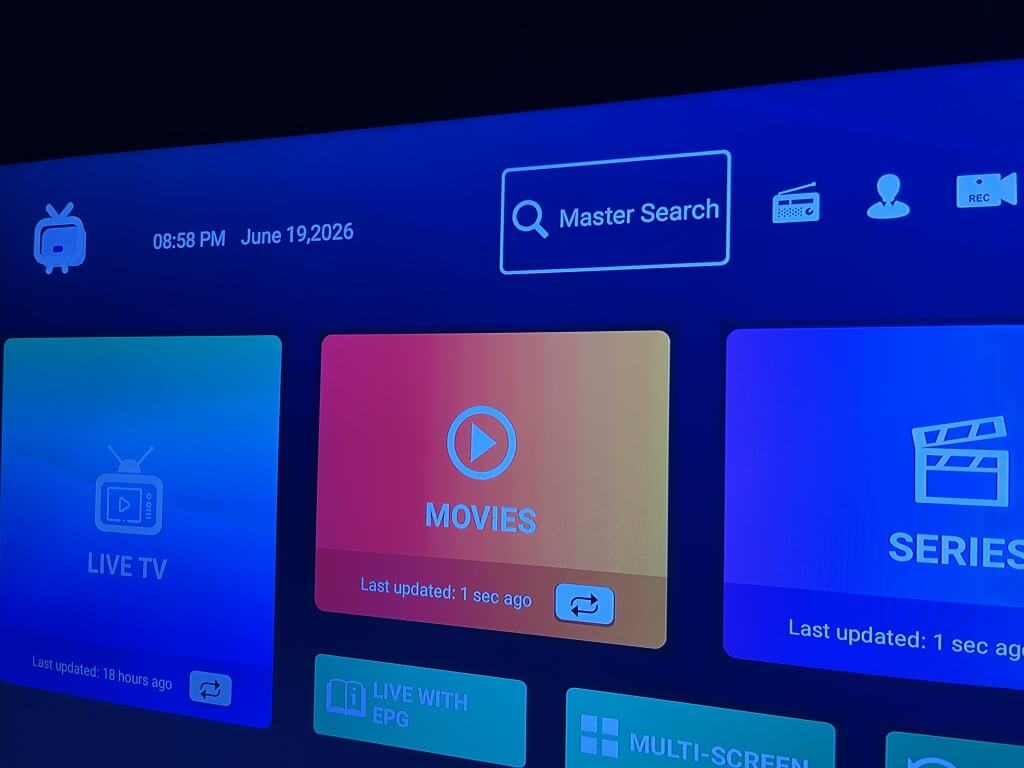
Generic Smarters
Use Master Search
Master Search checks across Logan Vision content so you do not have to browse through categories one by one.
- 1 Open Generic Smarters.
- 2 Select Master Search.
- 3 Enter the exact movie or series title.
- 4 Review the results and select the title you want.
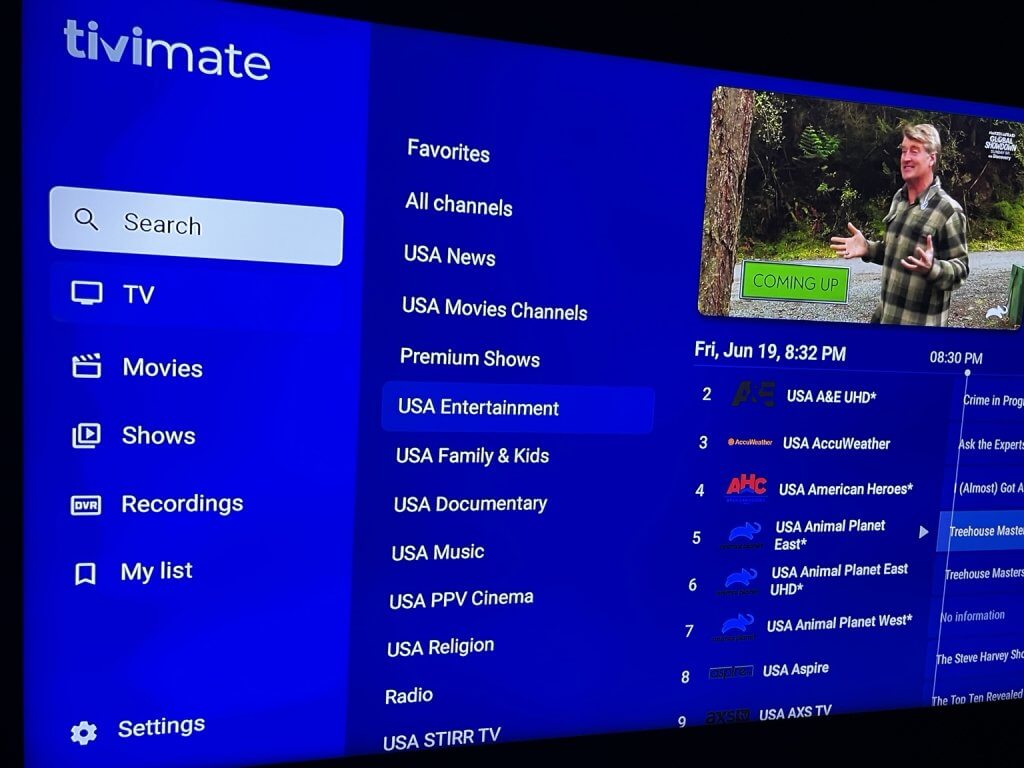
TiviMate
Use Search
Use TiviMate Search instead of manually browsing through categories to find the title you are looking for.
- 1 Open TiviMate.
- 2 Open Search.
- 3 Enter the exact movie or series title.
- 4 Review the search results for the title you want.
Tip:
Search by the title instead of manually browsing through
Movies or Series categories. Content may be located in a
different category than you expect.