VPN Setup (Only If Needed)
Not sure if you need a VPN? Try without it first.
If you are using AT&T, T-Mobile, or Starlink—or if you are experiencing buffering—you may need a VPN.
 We recommend IPVanish, but it is not the only option.
If you already have a VPN service, you can use that instead.
 Important – Read Before Setting Up
✔️A VPN is a third-party service
✔️It is NOT included with your Logan Vision subscription
✔️It requires a separate paid subscription (monthly or yearly)
 Account Setup (VERY IMPORTANT)
If you choose to use IPVanish:
Go to: https://www.ipvanish.com Create your own account Set up your own username and password
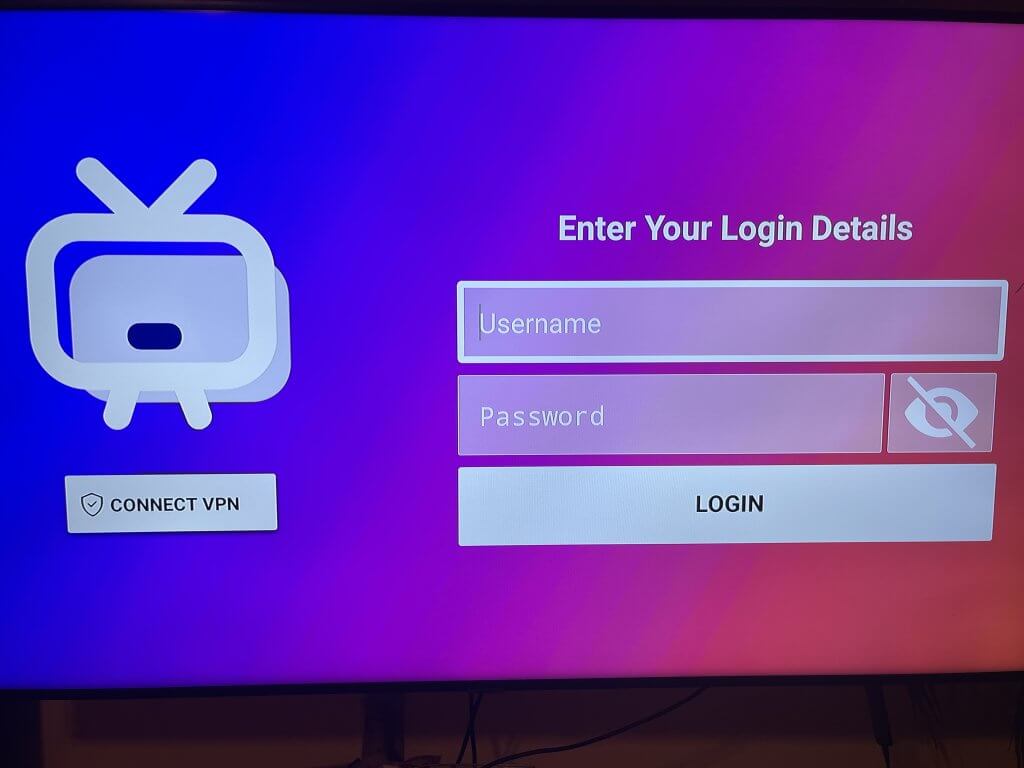
 Do NOT Use Your Logan Vision Login
Your Logan Vision login details will NOT work with any VPN service.
✔️Logan Vision username/password = TV service
✔️VPN username/password = VPN app
These are completely separate accounts
 Recommendation
✔️Try your service without a VPN first
✔️If everything works → no VPN needed
✔️Only use a VPN if required
If a VPN is not needed, skip to Step 2.
Recommended: IPVanish
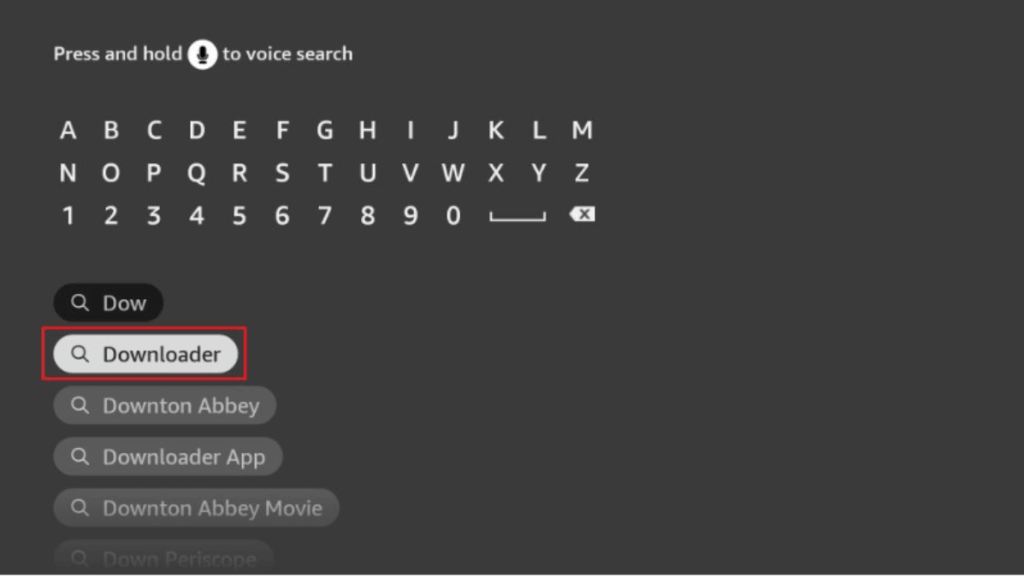
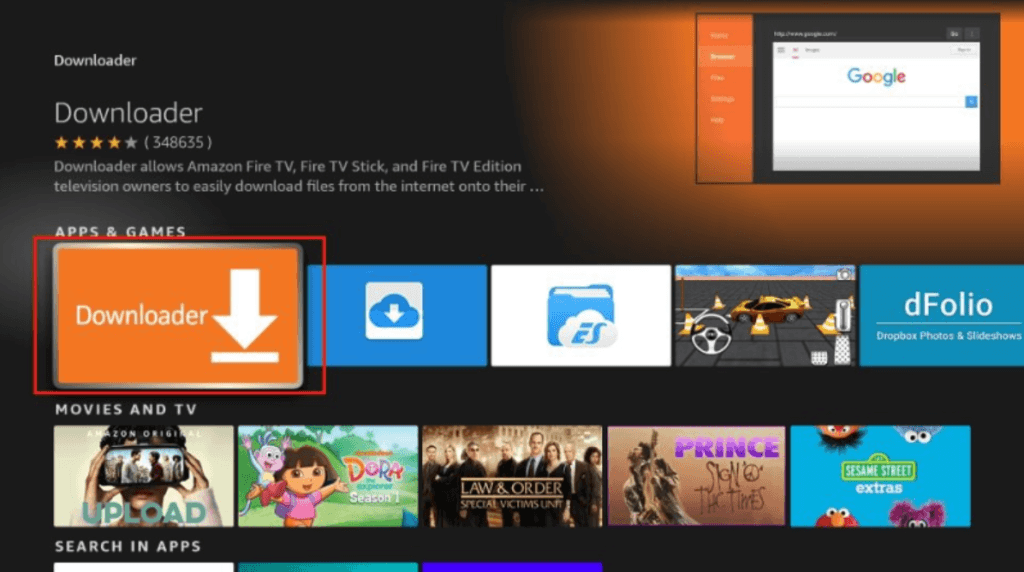
 Install IPVanish
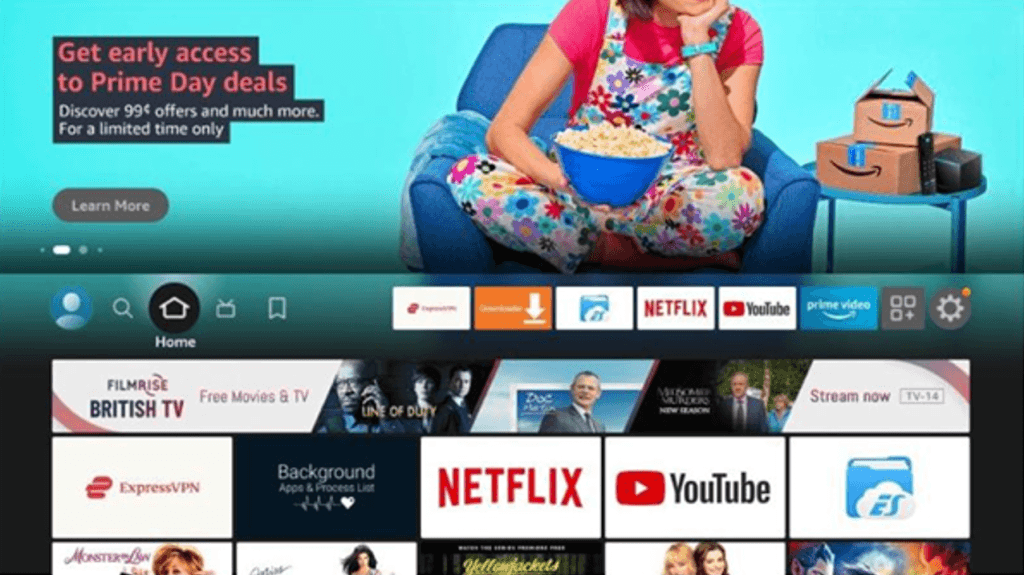
- Go to the Home Screen
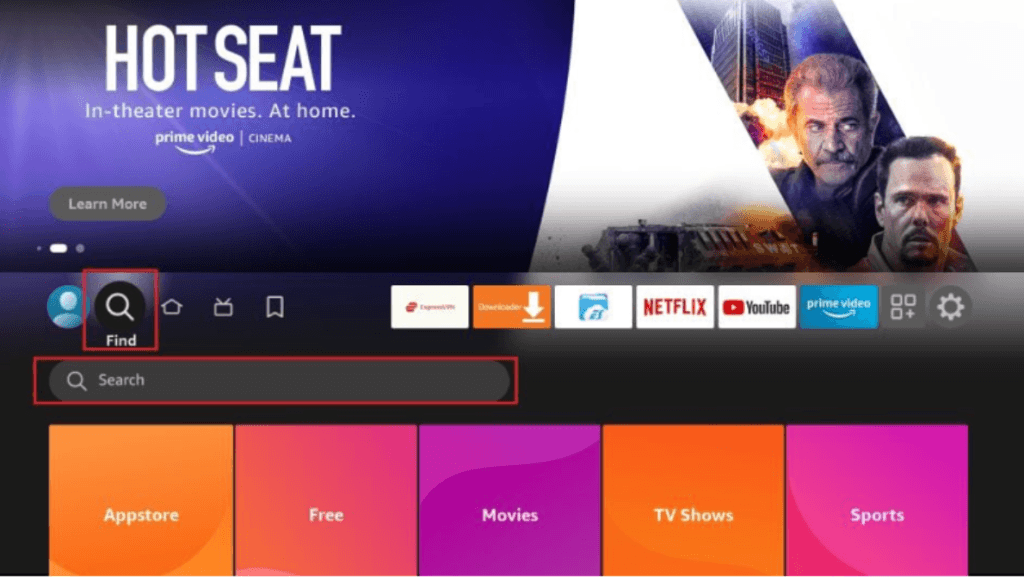
- Click Find (
 Search icon)