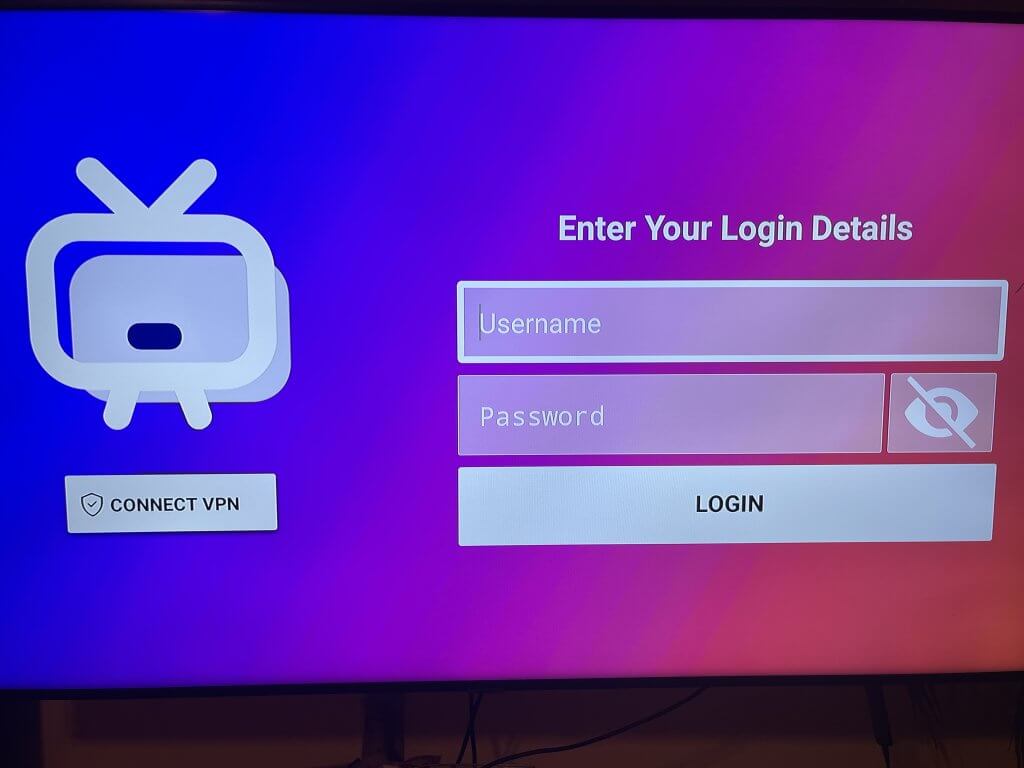
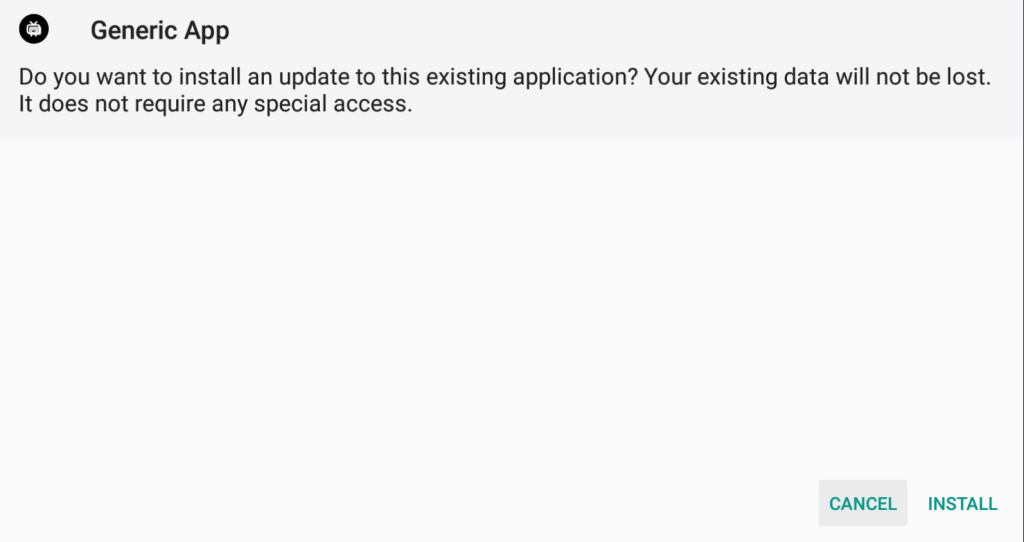
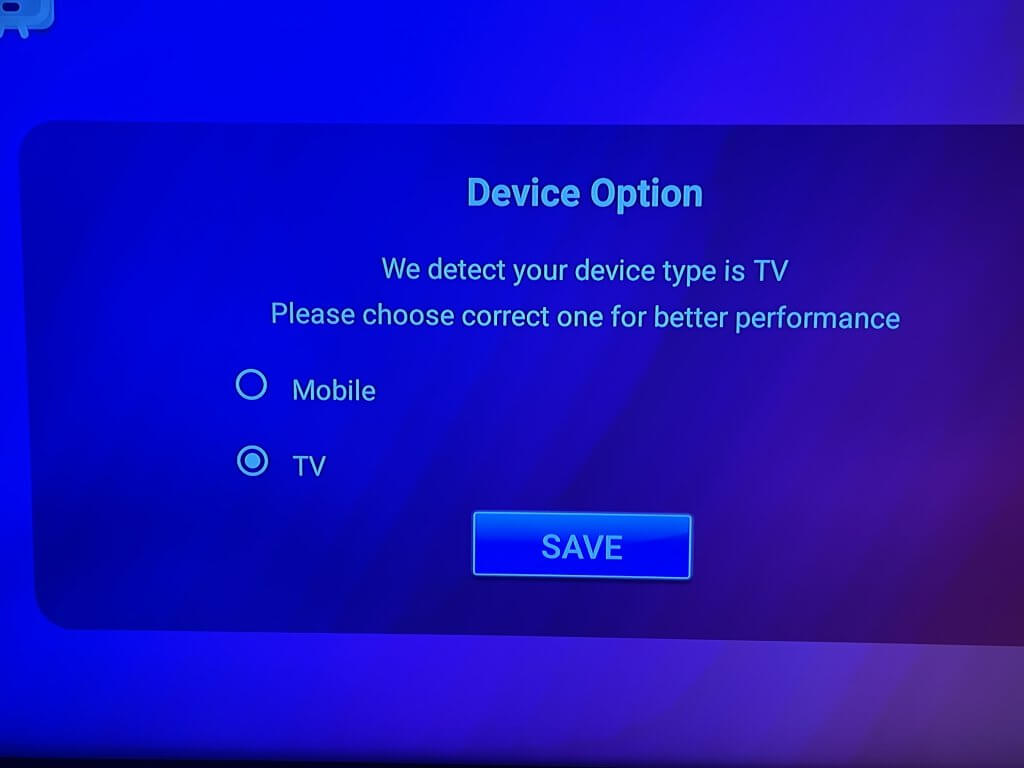
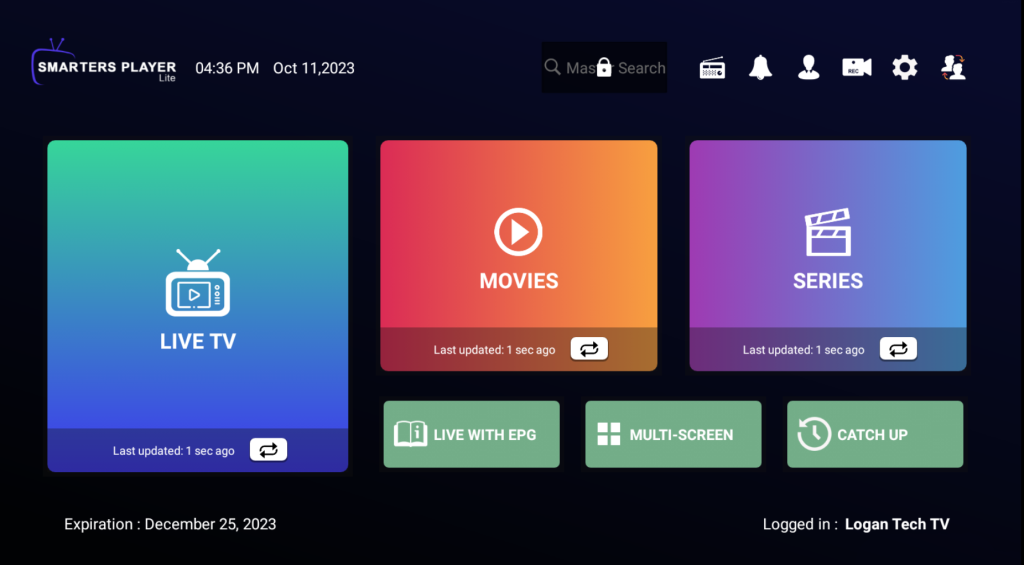
📺 Smarters Setup Guide. Set up your Smarters app and start streaming with Logan Vision. Supported Smarters Apps✓ Generic Smarters (Recommended)✓ IPTV Smarters Pro✓ Smarters Player Lite✓ Other Smarters-compatible apps Contact Support Service Status 📱 Step 1: Install Generic Smarters If prompted, select Install to continue. Your existing data and settings will not be lost. 📺 Step 2: Choose Your Device Type Generic Smarters will detect your device type.Select TV, then choose SAVE.This setting provides the best viewing experience for televisions and streaming devices. Step 2Choose TV and select SAVE 🔑 Step 3: Enter Your Login Details Enter your Logan Vision credentials exactly as provided in your activation email.You’ll need:🔑 Username🔑 PasswordThen select LOGIN. Generic Smarters IPTV Smarters Pro Step 3Choose TV and select SAVE ⚠️ ImportantGeneric Smarters users should NOT manually enter a Portal URL.The server settings are already built into the app.IPTV Smarters Pro and other compatible Smarters apps may require a Portal URL provided in your activation email. 🎉 Step 4: Setup Complete Congratulations! Your setup is complete.You now have access to:✅ Live TV✅ Movies✅ TV ShowsEnjoy your Logan Vision service! Thank You for Choosing Logan VisionStream Smart. Stream Better. 🆘 Need More Help? If you’re still having trouble, we’re here to help. 🔴 Contact SupportFor setup assistance and troubleshooting Contact Support ⚫ Service StatusCheck for outages, maintenance, and known issues. Service Status