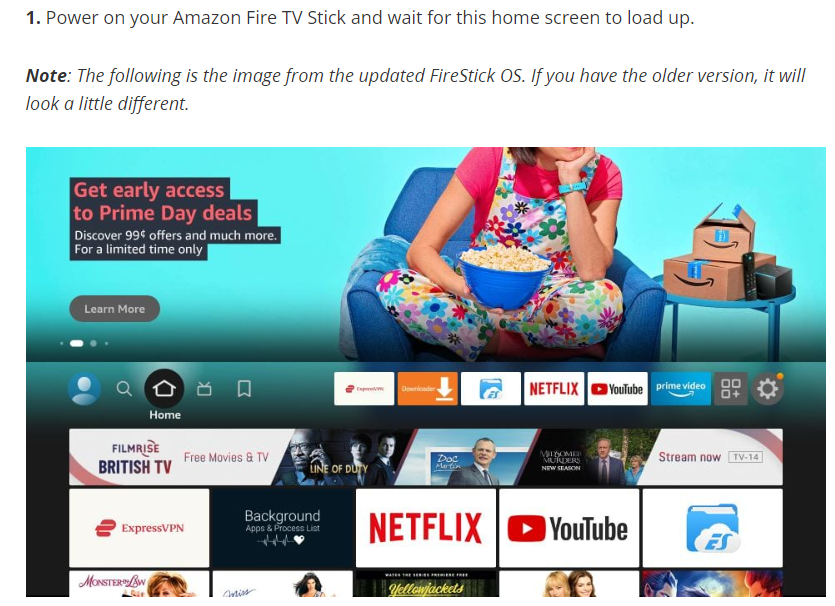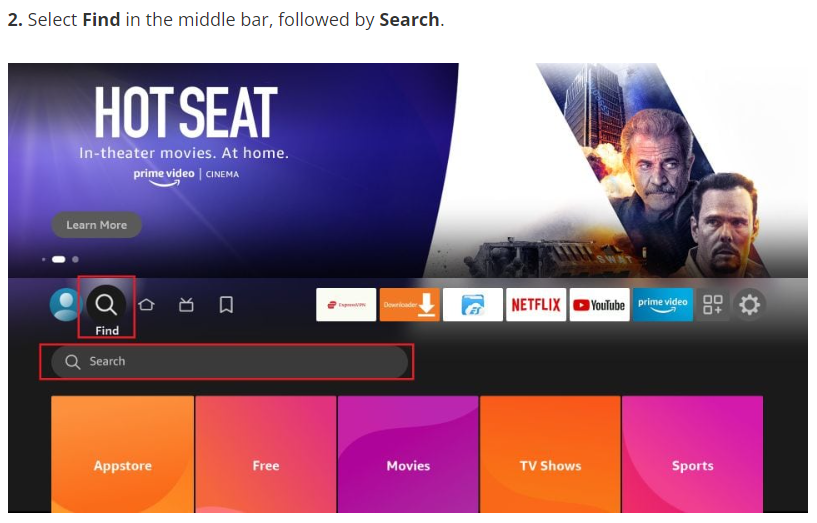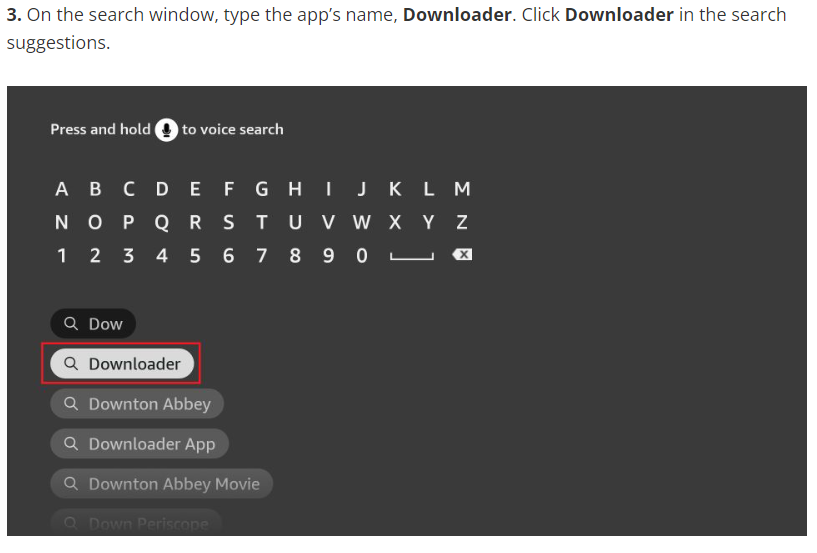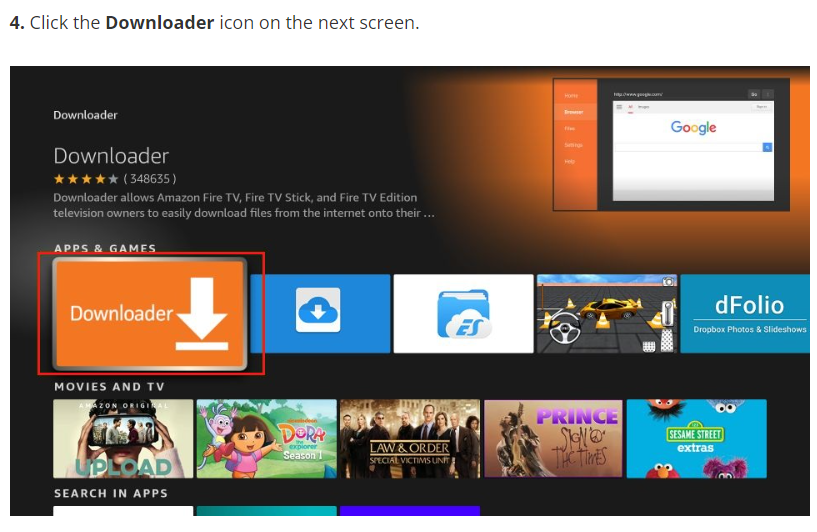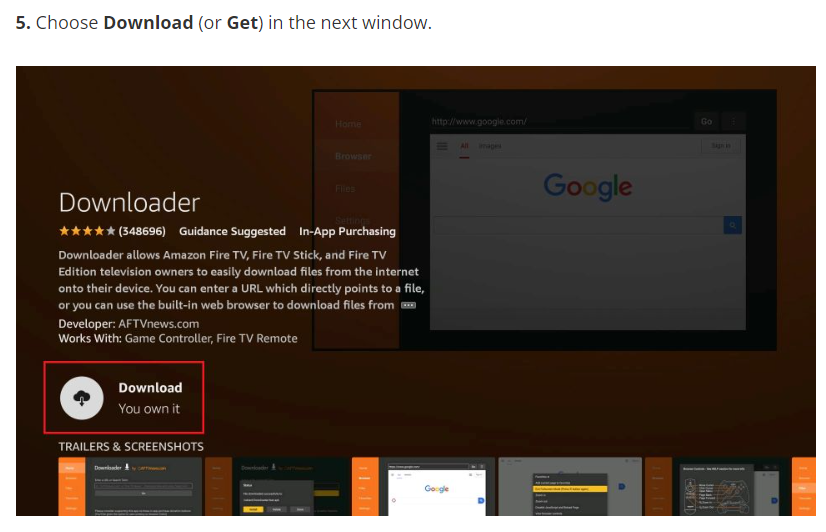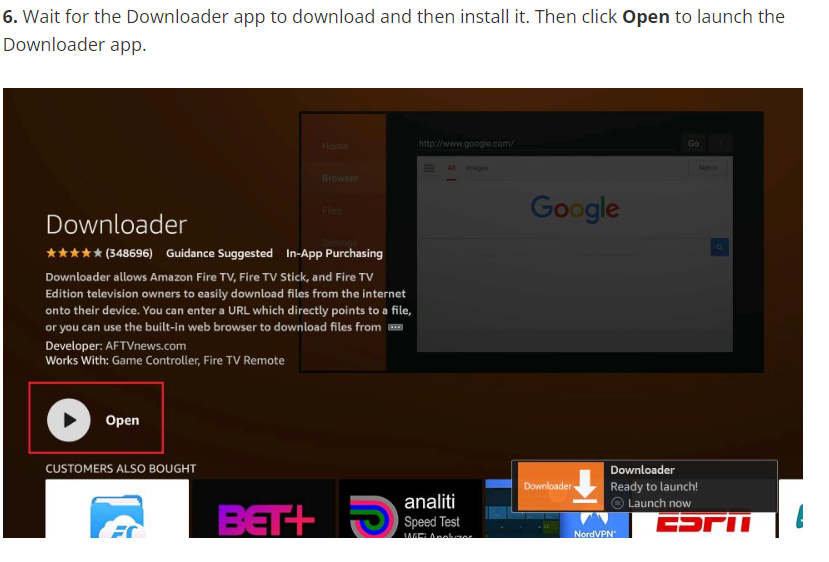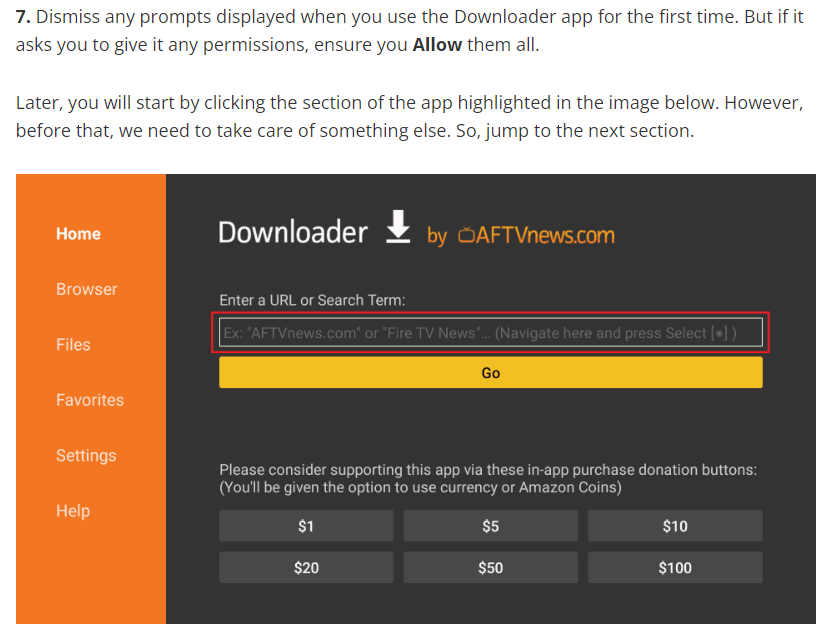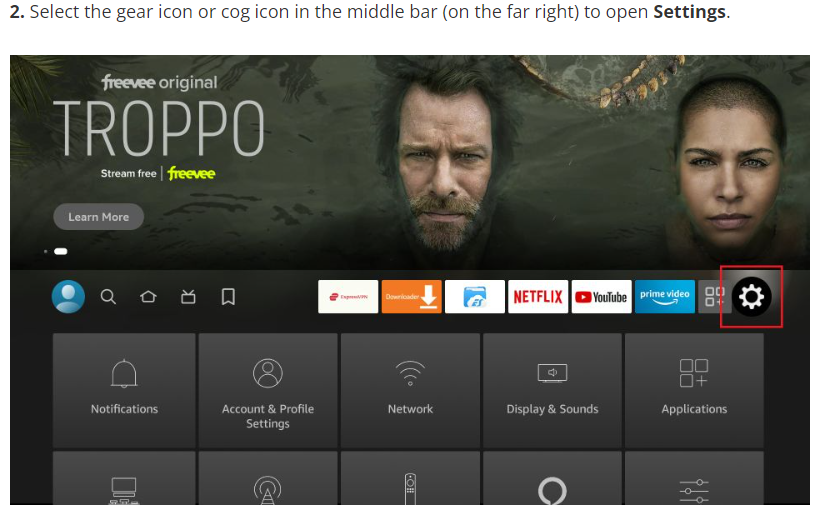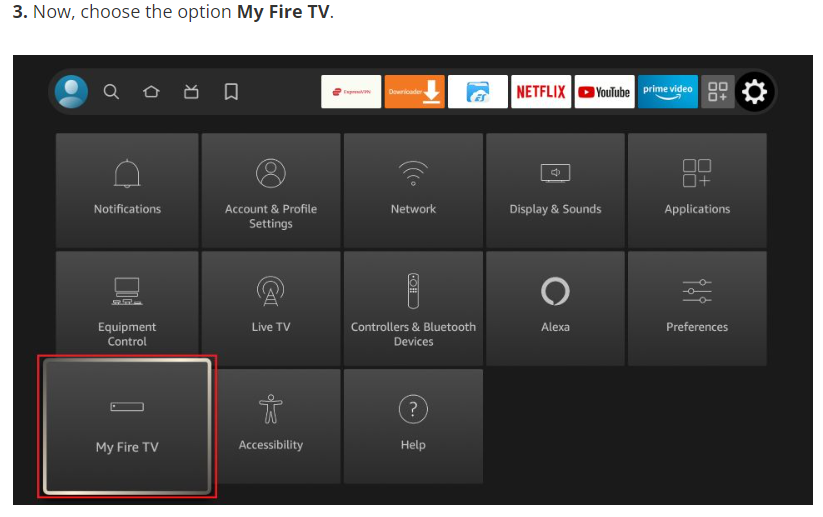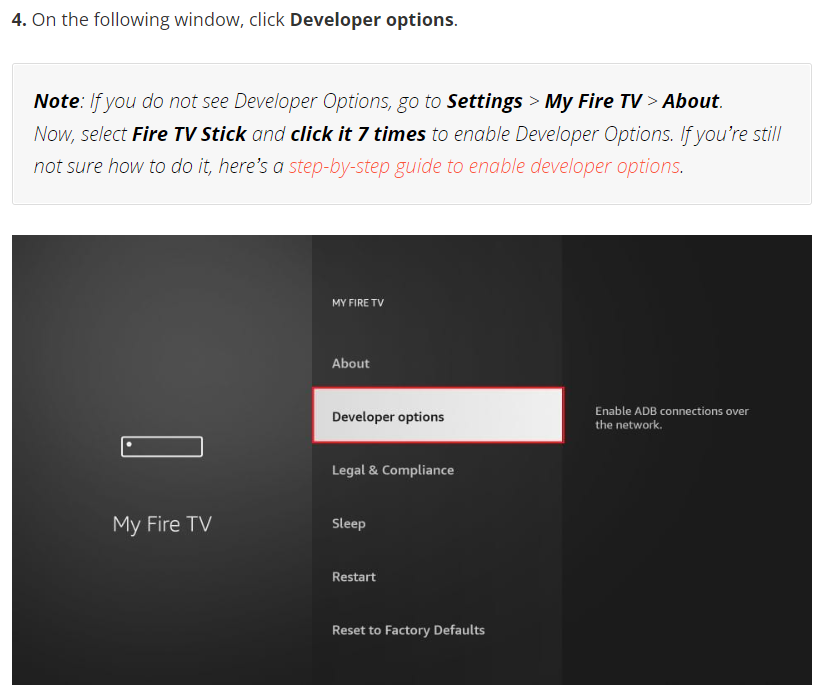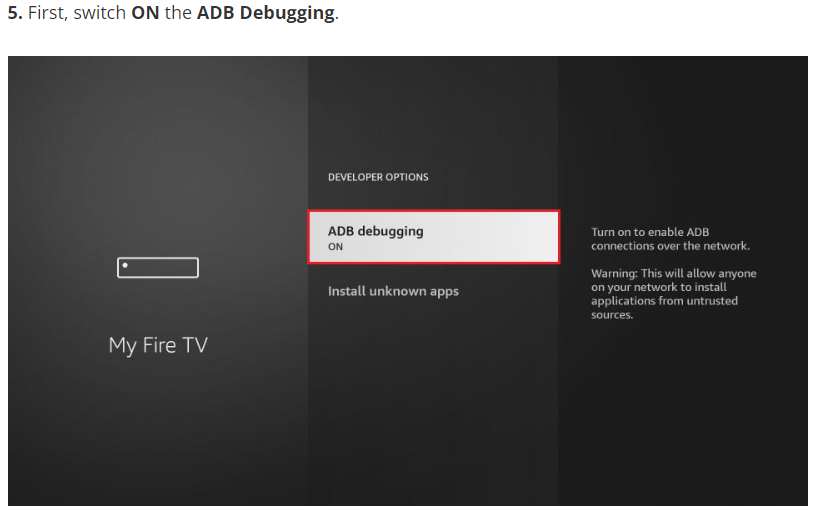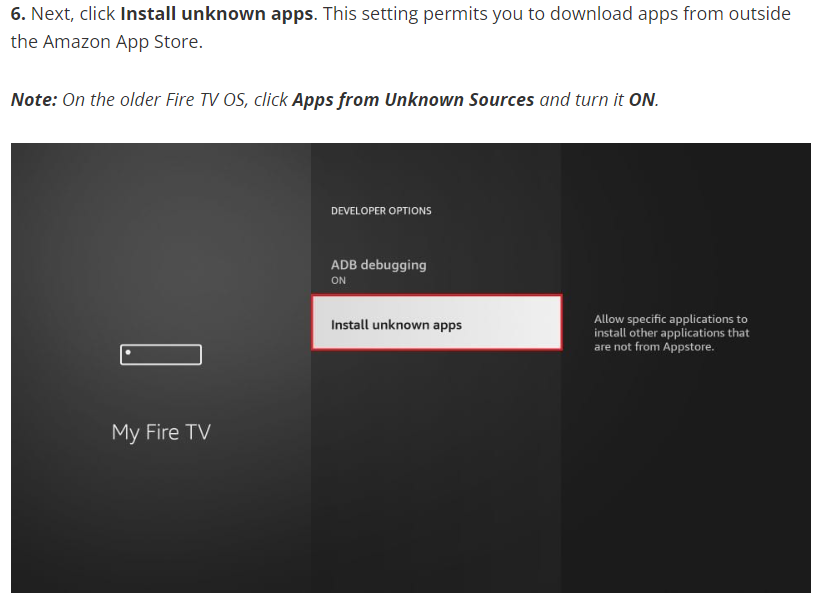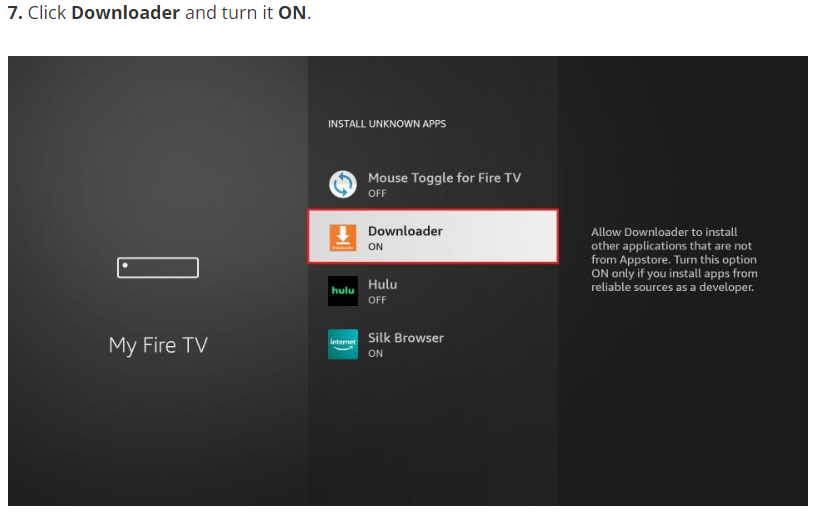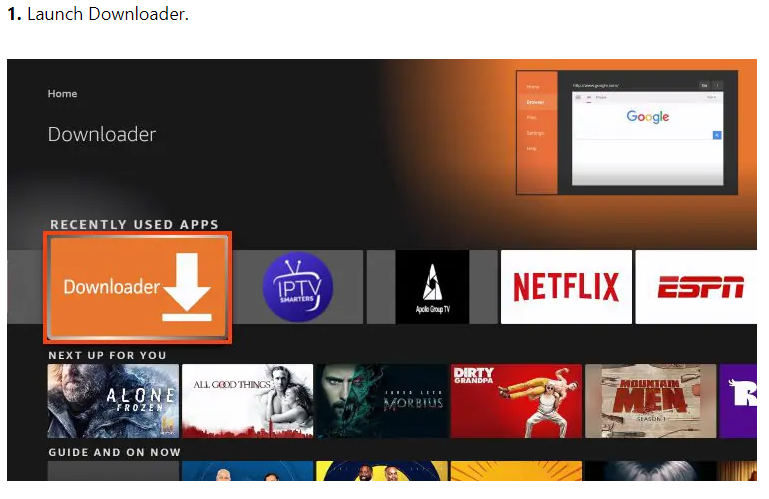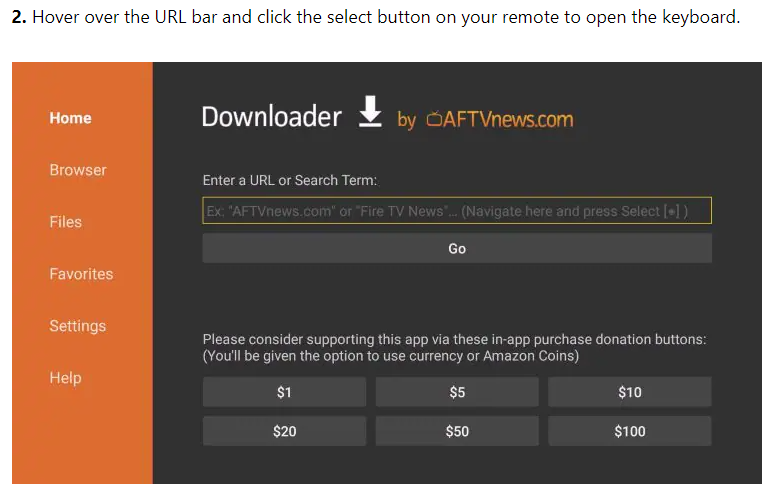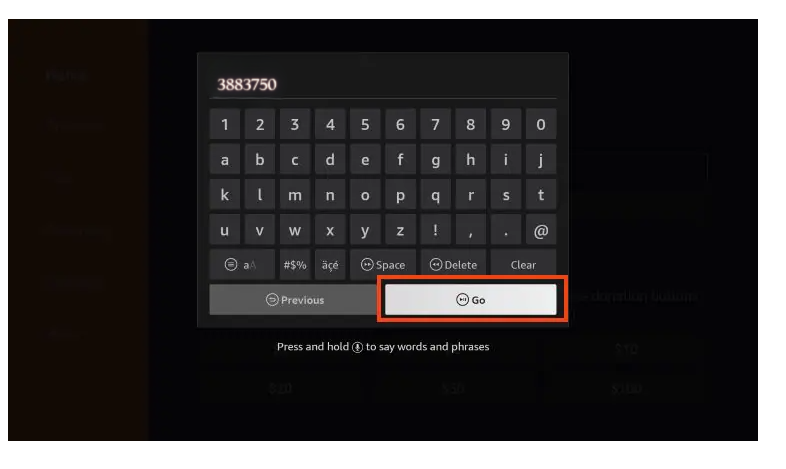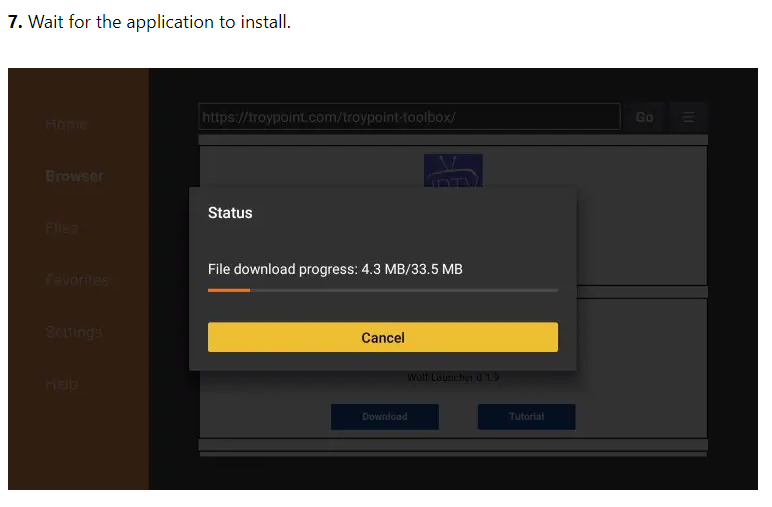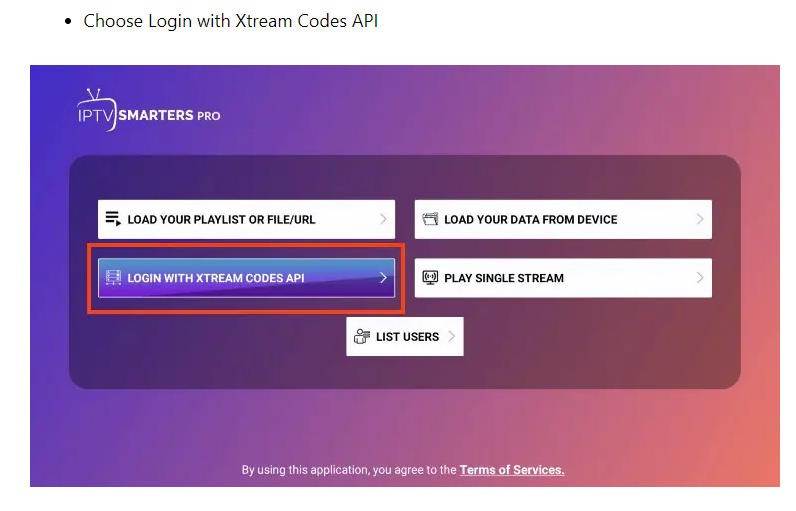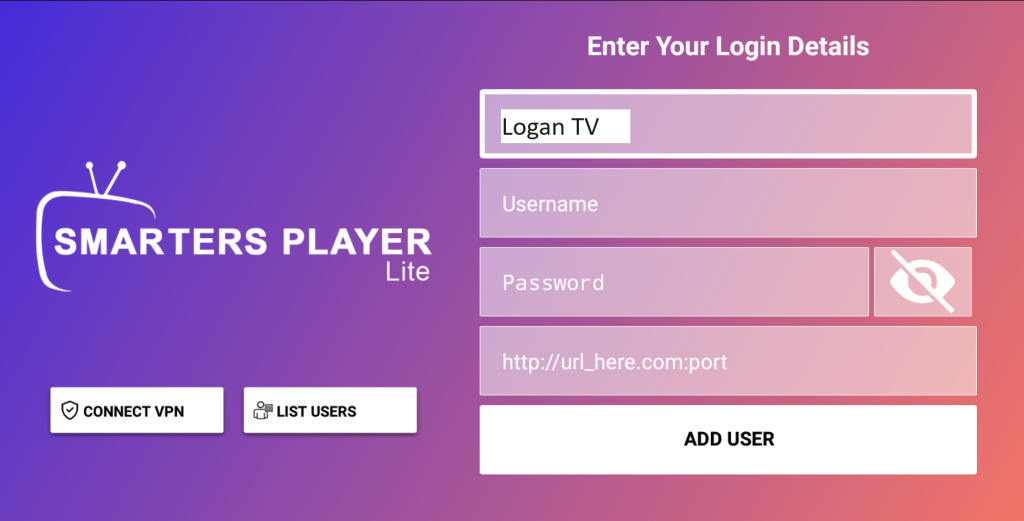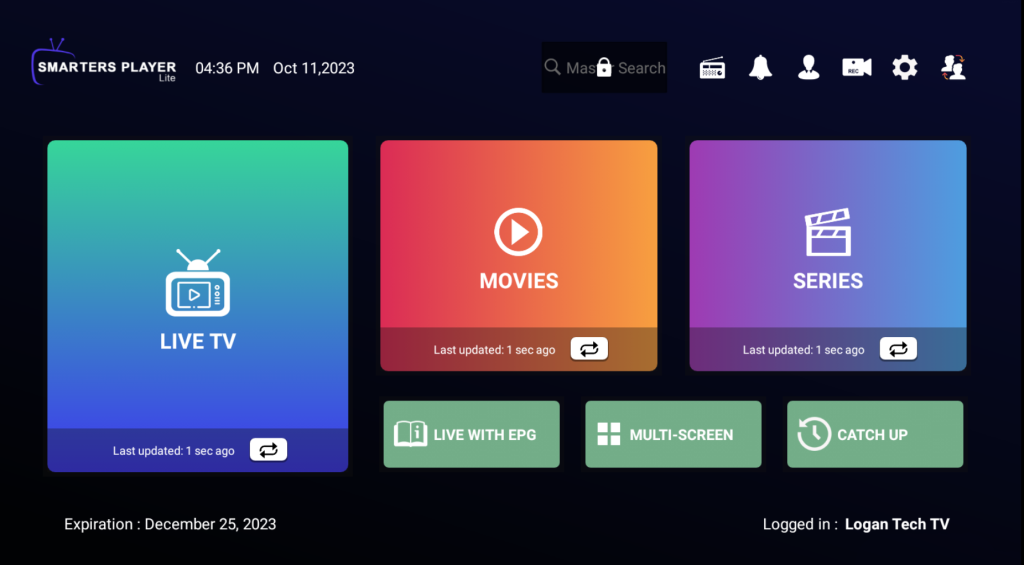
Logan Vision Setup GuideStream Smart. Stream Better. 🚀 Quick StartSetup takes approximately 5–10 minutesSkip VPN unless needed.Install DownloaderEnable Unknown SourcesInstall Generic IPTV Smarters AppLog In using your welcome email 🔐 VPN Setup (Only If Needed)Not sure if you need a VPN? Try without it first.If you are using AT&T, T-Mobile, or Starlink—or if you are experiencing buffering—you may need a VPN.👉 We recommend IPVanish, but it is not the only option.If you already have a VPN service, you can use that instead.⚠️ Important – Read Before Setting UpA VPN is a third-party serviceIt is NOT included with your Logan Vision subscriptionIt requires a separate paid subscription (monthly or yearly)🔑 Account Setup (VERY IMPORTANT)If you choose to use IPVanish:👉 Go to: https://www.ipvanish.com👉 Create your own account👉 Set up your own username and password❗ Do NOT Use Your Logan Vision LoginYour Logan Vision login details will NOT work with any VPN service.Logan Vision username/password = TV serviceVPN username/password = VPN app👉 These are completely separate accounts💡 RecommendationTry your service without a VPN firstIf everything works → no VPN neededOnly use a VPN if required If a VPN is not needed, skip to Step 2.👉 Recommended: IPVanish📲 Install IPVanishGo to the Home ScreenClick Find (🔍 Search icon) 3.Type “IPVanish”4. Select the IPVanish app5. Click Download / Get 6. Open the app🔐 Log In & ConnectEnter your login infoClick LOGIN3. Click CONNECT4. Click OK to confirm ✅ You’ll see “Connected” when active 📥 STEP 1: Install Downloader Once installed, proceed to Step 2. STEP 2: Enable Unknown SourcesAfter enabling these settings, continue to Step 3.Go to SettingsClick My Fire TVSelect Developer Options Turn ON:Apps from Unknown SourcesADB Debugging 📺 STEP 3: Install Generic IPTV Smarters App* The app may appear as “Smarters Player Lite” or similar—this is normalOnce installation is complete, proceed to Step 4.Open Downloader AppEnter code: 👉 3883750 * The app may appear as “Downloader ” or similar—this is normal3. Click Go. 4. Install the app. 🔑 STEP 4: Log In to Logan VisionOpen the Generic IPTV Smarters App and enter your login details After logging in, allow the app a few moments to load your content.Make sure you have your login details from your Welcome Email before continuing.👉 Use your Welcome Email details:UsernamePasswordPortal URL Smarters will download the latest content. Please note that this process may take several minutes the first time you log into our service. ⏳ First load may take a few minutes🎉 FINAL SECTION (YOU’RE DONE)You’re all set! Enjoy live TV, sports, movies, and more.💡 Having Issues? Try This:Restart your FirestickCheck internet connectionTry a VPN (if using AT&T, T-Mobile, or Starlink)👍 Final MessageIf you continue to experience issues, please contact support.Contact: support@logantechnology.com